# Create Interactive VR Experiences for Pico VR Devices
[](https://simlab-soft.com/help/uploads/images/gallery/2022-02/picocreate.png)
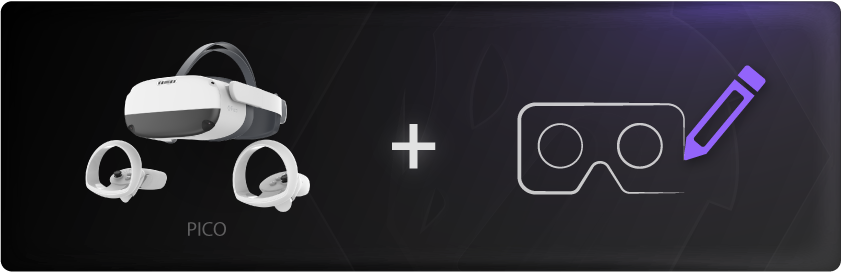
Other than just sharing your models as they are to Pico VR devices to view them, you can do more by creating interactive VR experiences, quizzes and training sessions easily with [SimLab VR Studio](https://www.simlab-soft.com/3d-products/vr-studio.aspx).
#### Learn how to create interactive VR Experiences using SimLab VR Studio from here:
[**> Creating your first VR Experience, Step by Step**](https://simlab-soft.com/help/link/43#bkmrk-page-title)
#### Then you can share any scene you create with SimLab VR Studio following these steps:
[**> Share the VR experience to SimLab Cloud**.](https://simlab-soft.com/help/link/111#bkmrk-4--share-the-vr-expe)