Call JS Function
 Call JS Function

The Call JS Function node enables the execution of custom JavaScript functions in the gener
ated Interactive WebGL HTML file after exporting a scene. The following steps explain how to configure and use this node:
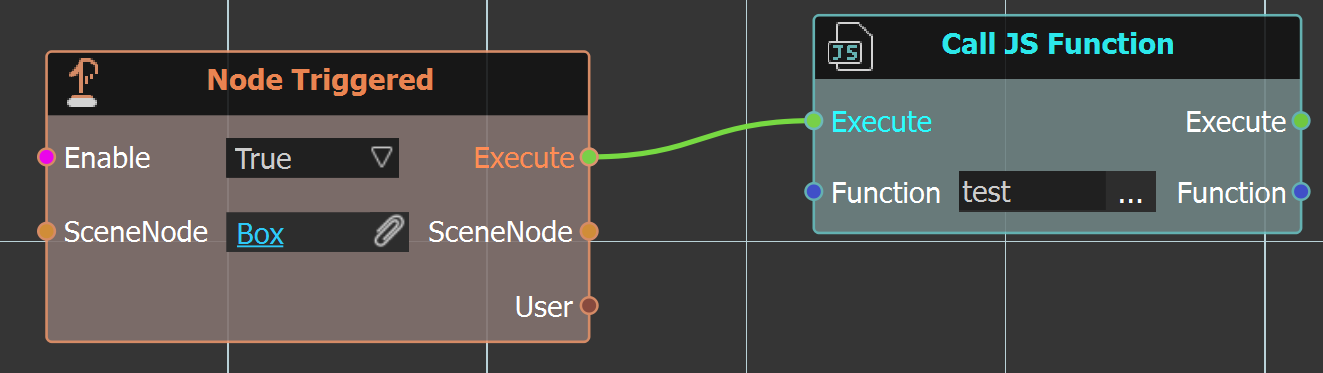
- Add these nodes to the interactive gltf diagram as an example.

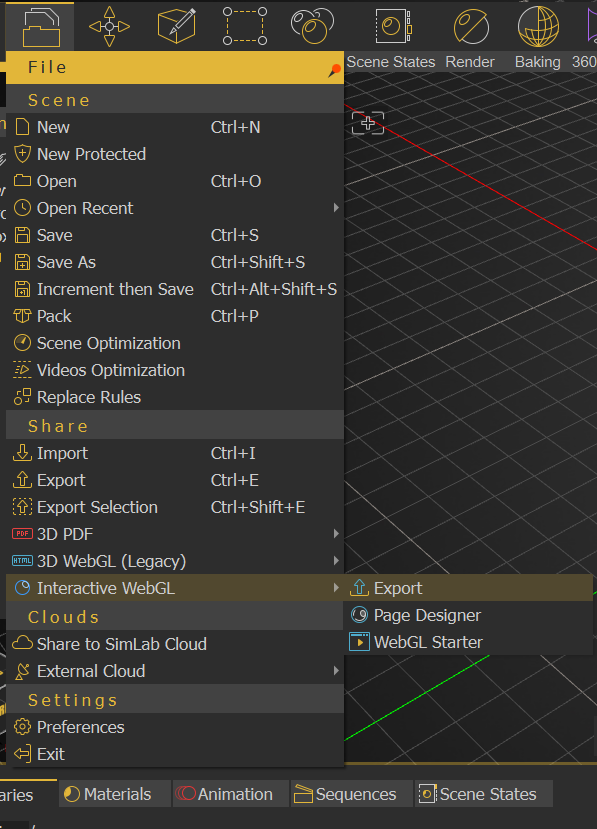
- Export to Interactive WebGL.

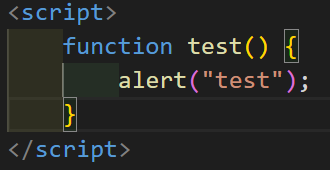
- After exporting the scene to interactive WebGL, open the generated Interactive WebGL HTML file and implement the
testfunction referenced by the Call JS Function node. This function will be executed when the node is triggered (As shown in the example below, thetestJavaScript function will displays an alert popup containing the string "test").