Keyboard
Adding an interactive 3D menu in VR is simple, but using the same menu on a desktop can be challenging, as you have to adjust your view every time you want to make a change.
To solve this, "Key Press" and "Key Release" events were introduced. By separating these events, designers now have more control when creating VR experiences.
 On Key Pressed
Right click in the Dynamic Training Builder and type in the
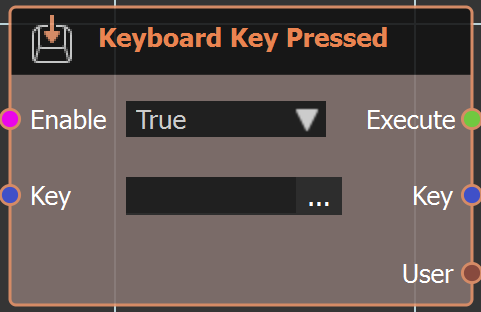
"Keyboard" or look under "Events" to get this node. As the name implies when a keyboard key is pressed this event is triggered.
Example
 On Key Released
Same as above node but when key is released.
Check this tutorial to learn more about these events.