Scene State
 Apply SceneState
This node can be used to apply a scene state when an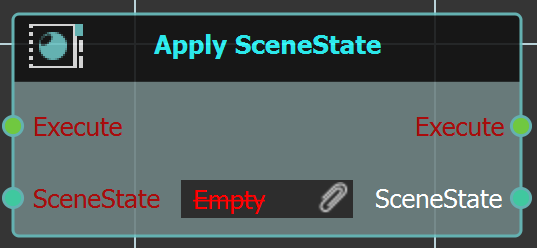
action is done in the 3D area.
Example
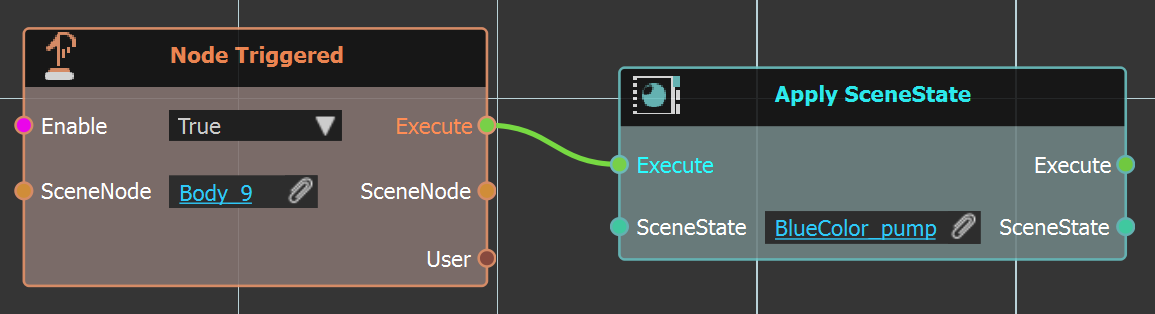
In the below example when "Body_9" is clicked the "BlueColor_pump" scene state is applied.
 Find SceneState By Name
In complicated scenes with large number of scene 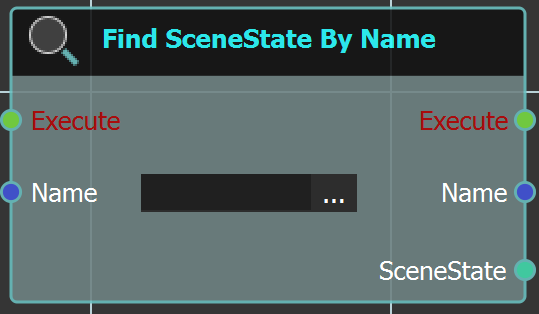
states, this node can come in handy. The user can use
this node to search for a scene state and then apply
it or do any action with it.
Example
In the example below this node is used to search for "GreenColor_pump" and then applied the scene state.
