# VR Viewing
# VR Viewing
[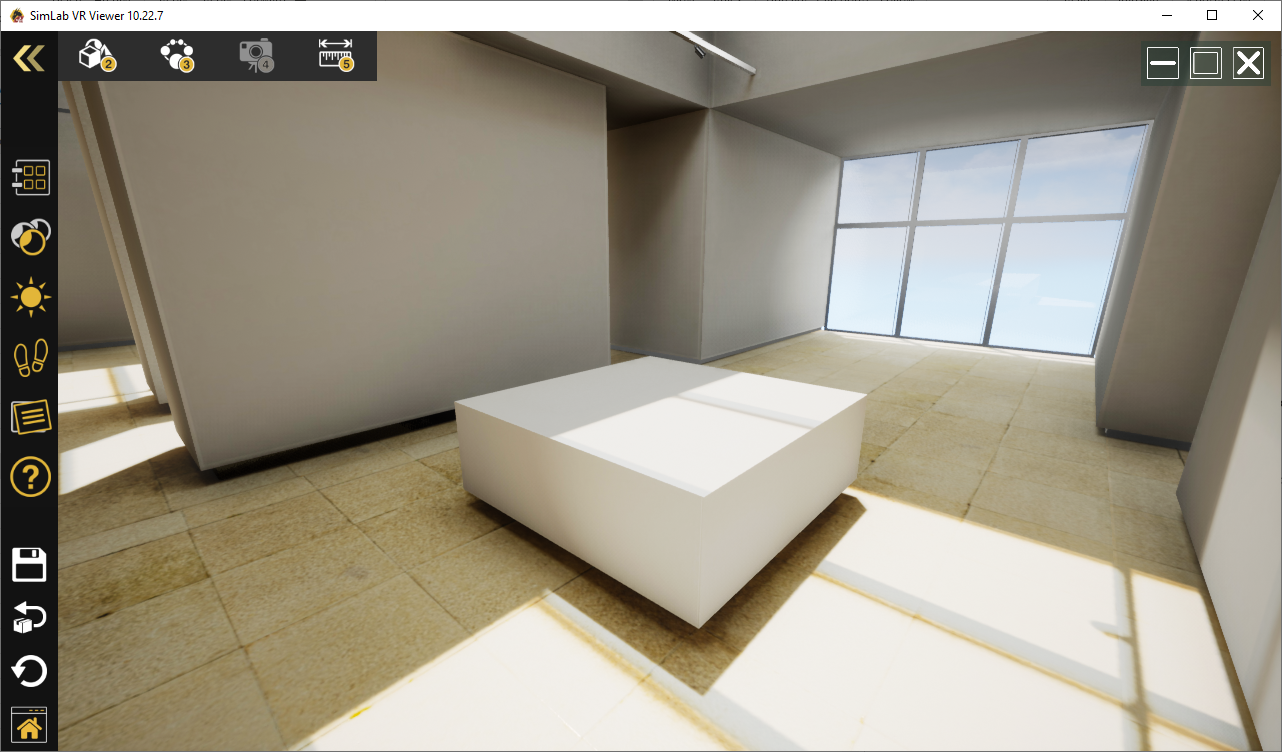](https://simlab-soft.com/help/uploads/images/gallery/2022-01/image-1641041099294.png)
Using the Free SimLab **VR Viewer** users can view and showcase VR Experiences on all devices.
SimLab **VR Viewer** is Free and supports all VR Experiences created using Composer, or other SimLab Soft products like **SimLab VR Plugins**.
Free VR Viewer is supported on:
- Desktop Windows
- Desktop Mac.
- PC-connected VR headsets
- Vive
- Vive Pro
- Quest (with the link)
- Rift S
- Mixed reality sets
- Standalone VR headsets
- Quest
- Pico
- Android
- iOS
The latest version of VR Viewer can be downloaded from the following **[link](https://www.simlab-soft.com/technologies/simlab-showroom.aspx)**
---
#### SimLab Cloud Sharing
SimLab Cloud Sharing is a cloud service that is already included with a SimLab Composer License. It allows the user to do the following:
1- Upload VR Experiences
2- Share VR Experiences with others
3- Synchronize VR Experiences across different machines
The user can use the same key received for Composer to activate **SimLab Cloud Account**.
Check the following [**link** ](https://www.simlab-soft.com/technologies/simlab-sharing.aspx)to learn more about what benefits you get with your **SimLab Cloud Account.**
**Upload VR Experiences**
By default, the user will be able to upload up to 10 VR Experiences, with space of up to 20GB. The user can remove models and upload new ones while keeping the uploaded number of models up to 10.
In case a user wants to add more space to the **SimLab Cloud Account**, a new cloud key can be ordered from the following [**link**](https://www.simlab-soft.com/technologies/simlab-sharing.aspx)
**Share VR Experiences with others**
Uploaded VR Experiences can be shared with other users. You can share with any number of users, who do not need to have a **SimLab Cloud Account** license to view VR Experiences. Uploaded experiences can be shared with specific users from **VR Viewer**, or can be shared as a weblink ready to be sent by email to any person with or without VR Viewer.
**Note**: only VR Experiences with Evaluation require additional an additional **SimLab Cloud Account** which can be ordered from the following [**link**](https://www.simlab-soft.com/3d-products/vr-studio-buy.aspx)
**Synchronize VR Experiences across different machines**
When users log in using the same **SimLab Cloud Account** on any other machine, any user will have access to all VR Experiences uploaded to that **SimLab Cloud Account**. This makes it very easy to synchronize models between multiple viewers and makes it very easy to move VR Experiences from **PC** or **Mac** to stand-alone devices like **Quest**, **Pico**, **Android**, or **iOS**
The following tutorial describes the basics of Sharing using **SimLab VR Viewer**
****