SimLab Plugins Licensing Steps
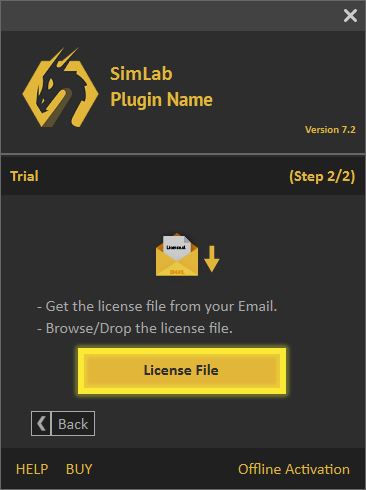
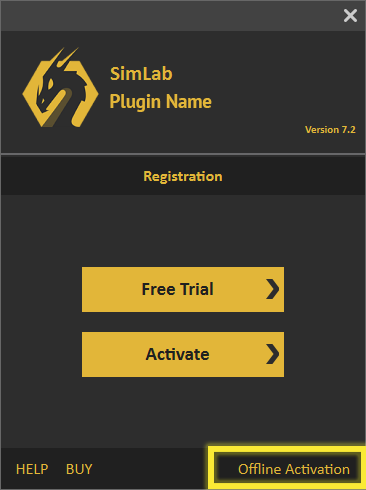
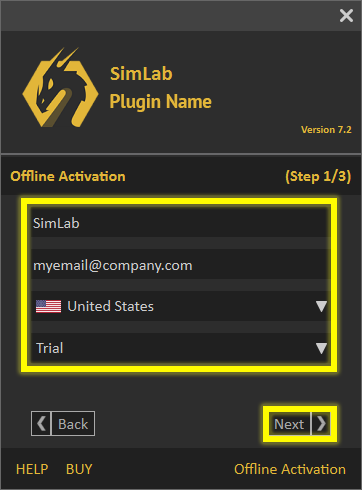
After downloading any of the SimLab 3D plugins, you need to register a license in order to use it.
There are three types of licenses for SimLab Plugins:

A free trial license that activates the plugin for 2 weeks and limits exporting/importing to 30 times.

A permanent license that activates the plugin on two different machines for the same user.

A floating license can be installed on a server so it can serve multiple users connected to that server.

- Start your CAD Application.
- Click Settings in the plugin menu to open the settings panel (it usually appears in a tab such as add-ins, plug-ins or extensions).
* If you don't know where the plugin menu is, please refer to your plugin page. Go to SimLab plugins*
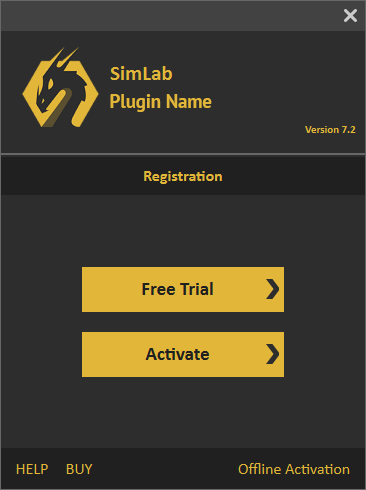
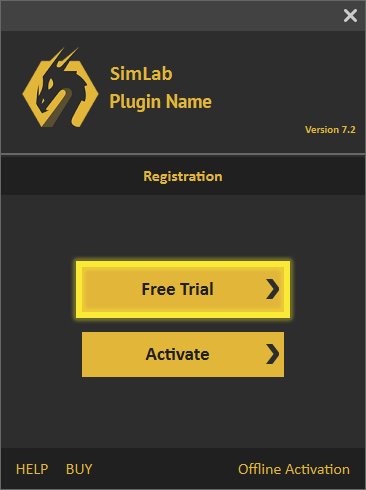
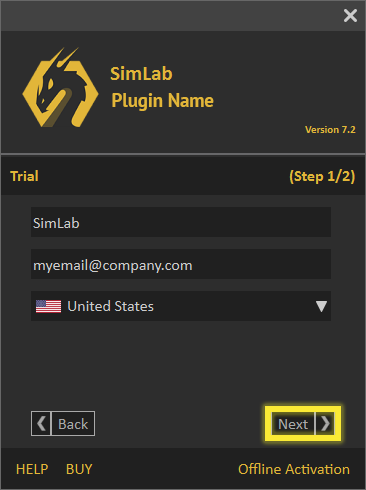
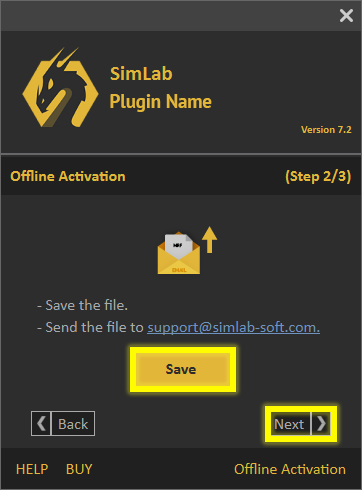

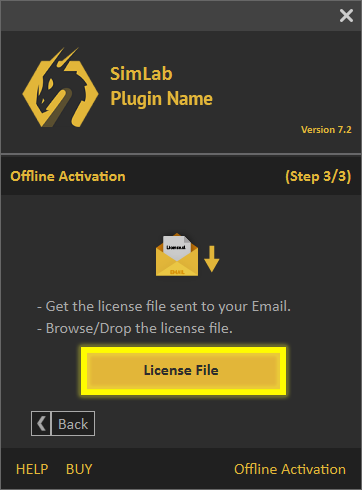
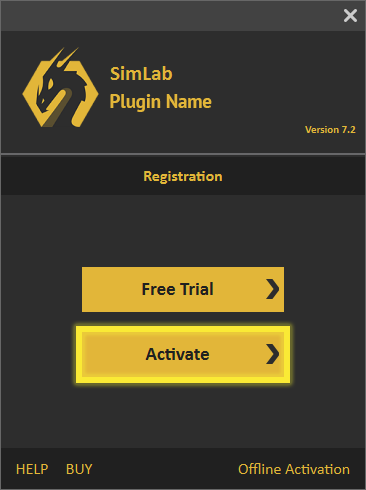
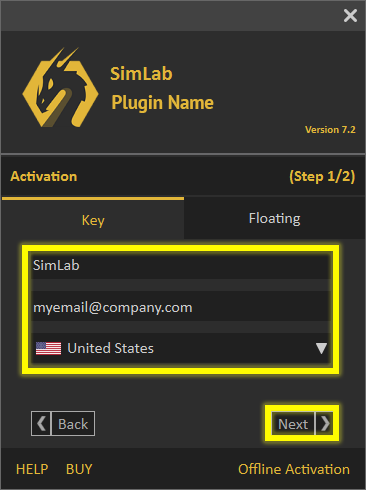

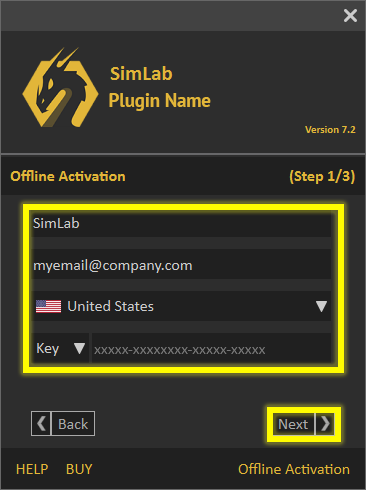
Follow these steps to deactivate your SimLab Plugin license key on your machine.
- Go to the plugin settings, then click the "Deactivate" button as shown in the image below.
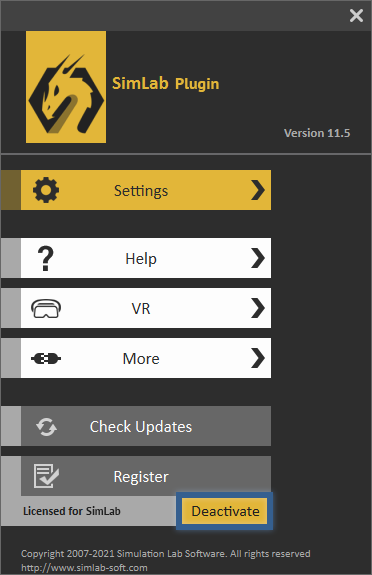
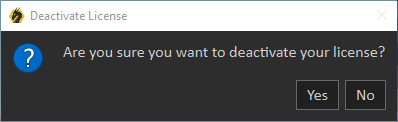
- Click 'Yes'. The license can now be used on another machine.