
Data Types \ String \ Variable
 Set
Set

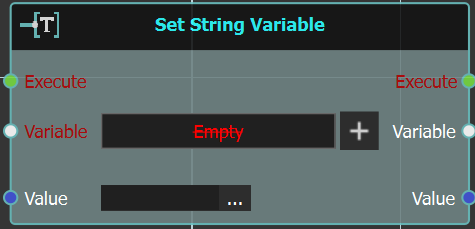
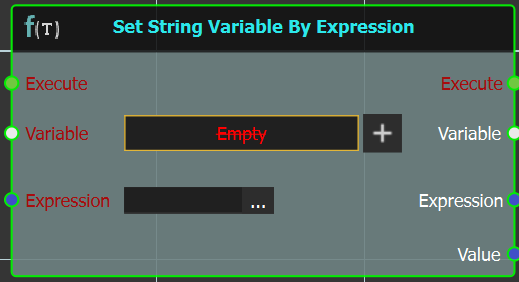
With this string variable node a user can set a string variable by Value or Expression.
 Set String Variable

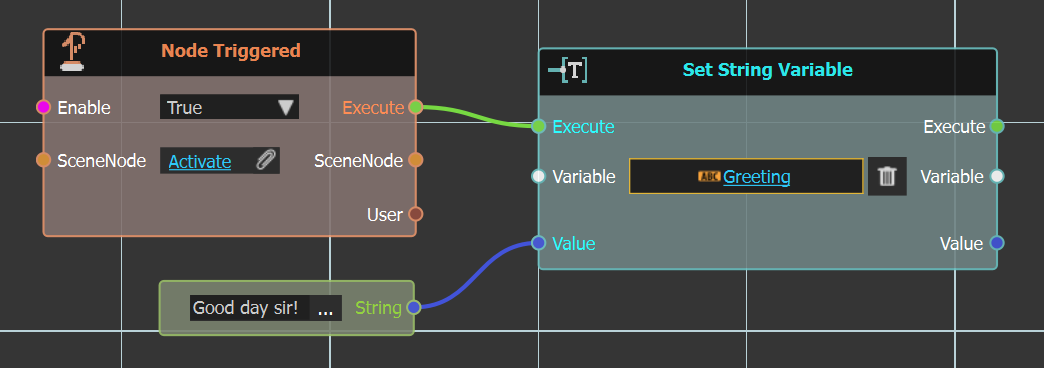
Using this node a string variable is set by value, as shown in the example below. The Greeting variable is set using string input node with "Good day sir!"
Example
 Set String Variable By Expression

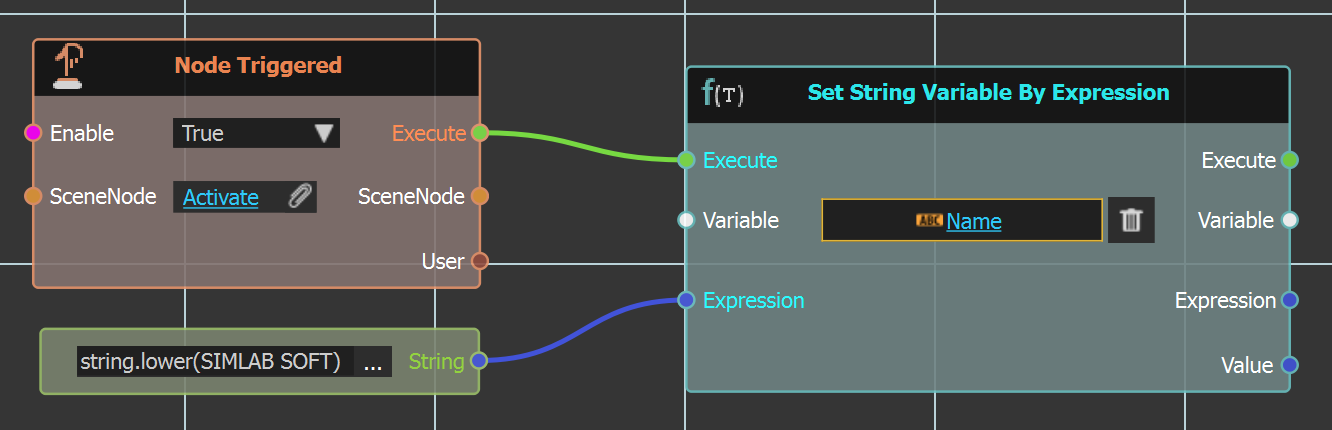
Using this node a string variable is set by expression, as shown in the example below. The Name variable is set using an expression input node with string.lower() expression.
Example
 Get
Get

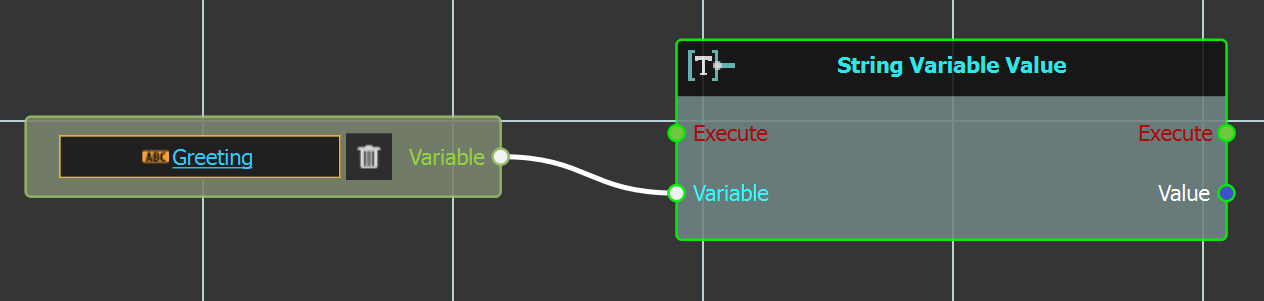
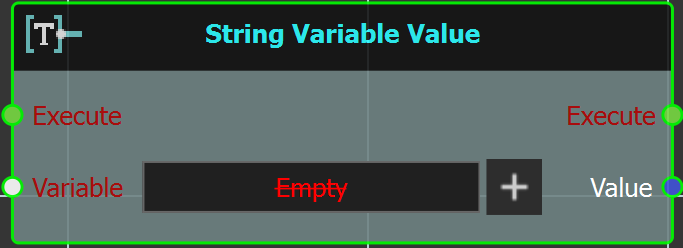 This node is used to get a string variable value. As shown in the example below, the string variable Greeting is gotten as input to this node.
Example
No Comments