
Snapping
 Node Ready To Snap
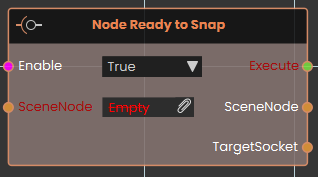
The Node Ready to Snap event node activates the exact moment a designated SceneNode enters the valid snapping range of an eligible target. This node is highly useful for triggering immediate visual or audio feedback—such as highlighting a destination socket green or playing a hovering sound—letting the user know the object is ready to be released and snapped.
 Node Snapped
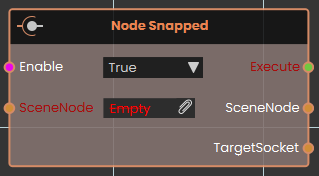
The Node Snapped event node activates immediately after a SceneNode has successfully completed its snapping action onto a target socket. This event is typically used to seamlessly progress a sequence, such as locking the snapped part in place, playing a mechanical click sound, or advancing the user to the next step of an assembly training scenario.
No Comments