
SceneNode \ Dynamic Menu
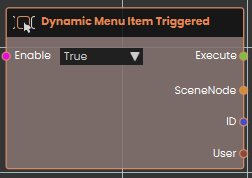
 Dynamic Menu Item Triggered
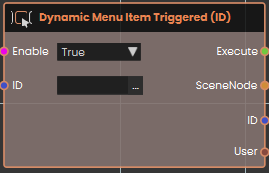
Dynamic Menu Item Triggered(ID)
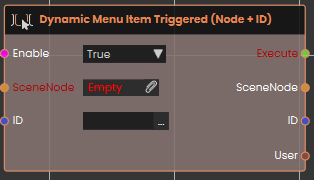
Dynamic Menu Item Triggered(Node + ID)
Example:
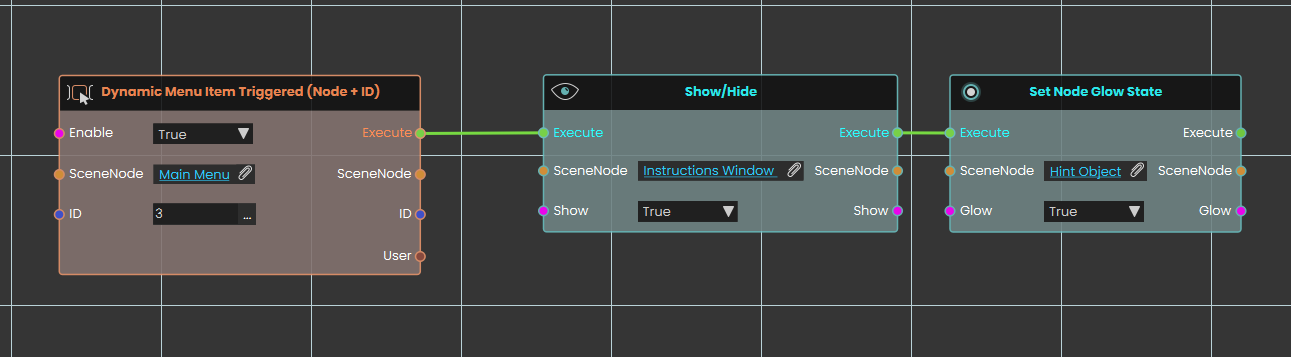
In this example, the Dynamic Menu Item Triggered (Node + ID) node is configured to act as a "Help" button. By setting the SceneNode to "Main Menu" and the ID to "3", the system listens exclusively for that exact button press on that specific menu object. Once the user clicks this button, the execution flow passes to a Show/Hide node configured to display an "Instructions Window" by setting its state to True. Immediately following this, the flow triggers a Set Node Glow State node, which applies a visual highlight to a designated "Hint Object" to guide the user.
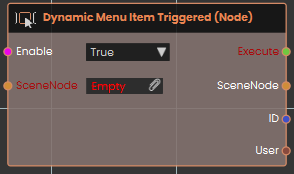
Dynamic Menu Item Triggered(Node)
No Comments